


A deep dive into Clawdbot the 24/7 “AI Employee” that is changing how Malaysia’s remote workers and business owners operate.
If you’ve been scrolling through tech forums lately or hanging out at a café in Bangsar or Cyberjaya, you might have overheard people buzzing about something called Clawdbot. Even if you try to Google it now, you’ll notice it has transitioned into its new identity: Moltbot. But names aside, the real question everyone is asking is: “Is this just another ChatGPT clone, or is it actually something different?”
To put it simply, while most AI tools feel like a smart encyclopedia you talk to, Clawdbot feels more like an intern who actually has access to your office and can move files around for you. It’s a shift from “AI that talks” to “AI that does.”
The Shift from Chatting to Executing
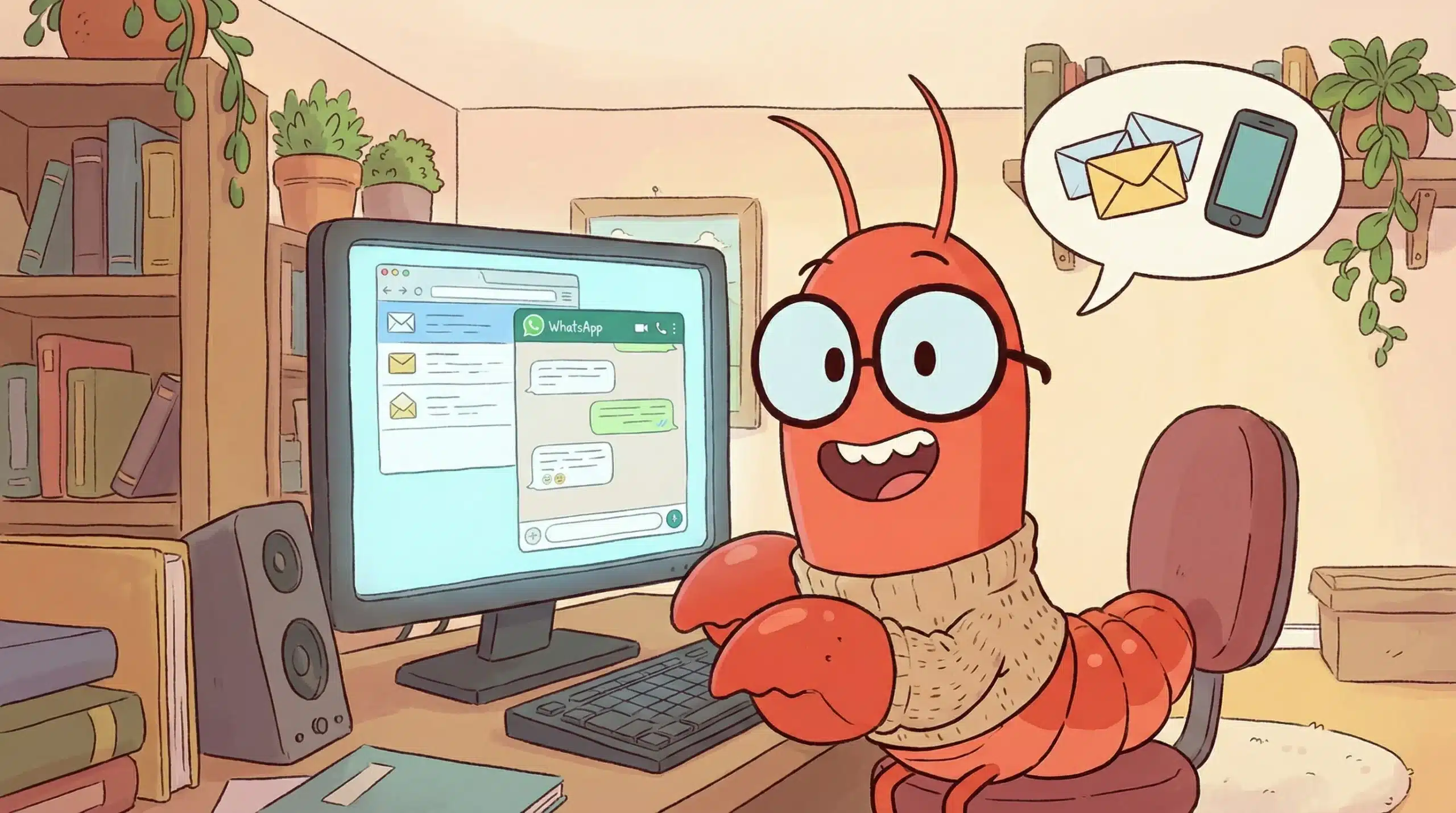
The first thing to clear up is Clawdbot what is it? specifically. Most of us are used to AI living inside a web browser tab. You ask it to write an email, it gives you the text, and then you have to copy-paste it. Clawdbot is what we call an “Agent.” It lives inside your computer system (or a dedicated server).
Instead of just giving you advice, it has “hands.” For instance, if you’re a business owner in Penang managing hundreds of client invoices, you don’t want an AI to tell you how to organize them—you want it to just do it. You can send a message via Telegram saying, “Sort all my January receipts into the tax folder,” and it actually executes the command on your local drive. This ability to cross the line from conversation to action is the Clawdbot special features everyone is raving about.
Clawdbot: Why do I need a “Digital Twin”?
So, Clawdbot good to use or not? It really depends on how much “digital baggage” you carry. Many Malaysian freelancers and SMEs deal with “messy data”—files scattered across WhatsApp, Downloads, and Cloud drives.
The magic happens when you realize this bot can be your 24/7 digital twin. Since it’s self-hosted, many people are setting it up on a small device like a Mac Mini that stays on all day. This way, even if you are out having Laksa with friends, your bot is at home monitoring your emails, drafting replies, or even coding new tools for your website. It’s about having a presence that doesn’t sleep.
Addressing the Elephant in the Room: Privacy and the Security Code
When you give a software the power to “touch” your files, the first concern is naturally safety. This is where the Clawdbot Security Code comes into play. Unlike big corporate AI where your data sits on their servers, this system is designed to be personal and private.
In this context, units like Clawdbot usually only play the role of a facilitator, administrative support, or neutral helper. It provides the framework, but you hold the keys. By using a specific security code and setting strict permissions, you ensure that the bot only accesses what you allow it to. Your private photos or banking details stay yours, provided you follow the basic setup hygiene.
What can Clawdbot actually do?
If you are still wondering Clawdbot can do what? here are a few scenarios that aren’t just “tech talk”:
- Automated Research: You can tell it to “Watch these three competitor sites and send me a WhatsApp summary if they change their pricing.”
- Local File Wizard: It can scan a folder of 500 messy images, read the text inside them (OCR), and rename them based on what’s in the picture.
- Self-Coding: This is a bit mind-blowing—you can ask the bot to “Install a new feature for yourself so you can read Excel files,” and it will literally write the code, install the library, and update itself.
Getting Started with Clawdbot Without the Headache

Don’t let the Clawdbot installation method scare you off. Yes, it involves a bit of “terminal” work (that black screen with white text), but the community has made it much simpler lately.
Essentially, you are just setting up a “home” for the bot on your computer and giving it an “API Key” (which acts as its brain fuel). Once the bridge is built between your computer and a messaging app like Telegram, the technical part is over. From then on, you talk to it just like you’d talk to a friend. The Clawdbot benefits far outweigh the 20 minutes of setup time once you see your “Downloads” folder cleaning itself up automatically every Friday night.
Ultimately, we are entering an era where everyone will have their own personal “Agent.” It’s less about having the smartest AI and more about having one that is loyal to your specific workflow and privacy needs.
References
💬 Frequently Asked Questions (FAQ)
Most common questions from the community to help you understand this new tool better.

